
Slow servers suck. We’ve all been there, watching a little spinning wheel while your patience and productivity drain away. It’s maddening.
You know it. I know it. Does it have to be this way?
No. That’s why you’re here. You’re ready to tackle this head-on with solid advice from someone who knows the ropes.
I’ve worked with everything from basic tech setups to massive machine learning frameworks. I promise you one thing: by the end of this guide, you’ll have a clear, fluff-free roadmap to speed things up. You don’t need to be a tech wizard.
Just follow along. We’ll dive into practical steps and server optimization practices that actually make a difference. Say goodbye to lag and hello to lightning-fast performance.
Let’s do this.
First Steps: Fast Software Tweaks for Serious Gains
Start with software. It’s often free and can change everything. Imagine tuning a car engine before swapping it out.
Same with computers. Little tweaks and updates can make a big difference.
Let’s talk software & OS updates. Keeping your operating system and apps up-to-date is not just about getting the latest shiny features. It’s about security and performance too.
Those updates? They patch vulnerabilities, making your system safer. Plus, they often include performance boosts (who doesn’t want that?).
Set up automatic updates or at least a regular update schedule. Your future self will thank you.
Then there’s configuration tuning. Ever heard of “KeepAlive”? Picture it like this: a cashier keeps your tab open, so they don’t swipe your card for every item.
With web servers, it’s keeping the connection open for more files. Adjusting settings like worker processes based on server resources can also give you a boost. It’s not rocket science.
Just a few tweaks.
Now, content compression. Gzip or Brotli might sound like weird tech terms, but think about zipping a file before emailing it. Same idea.
Compress your web content, and it loads faster. So, check if it’s enabled. If not, turn it on.
This simple step dramatically reduces file sizes and speeds up load times. Quick and effective.
Want more tips? Take a look at how optimizing virtual machines enhanced efficiency. It all fits into the bigger picture of server optimization practices.
You can get more done without pulling your hair out. So why wait? Start updating, tuning, and compressing.
Your server and your users will notice the difference.
The Magic of Caching: Make Your Site Fly
Caching is a game-changer. Imagine a librarian who smartly stacks the most popular books on a cart upfront. Saves everyone time instead of running to the back all day.
Let’s talk types. Browser caching is like telling your computer to save a copy of a beloved book. Keeps things fast when you return.
CDN (Content Delivery Network) does the same but on a global scale. Imagine warehouses everywhere holding copies of your site. Then there’s server-side caching.
Think Varnish or Redis. The server remembers frequent requests, so it skips extra work.
Now, onto Database Optimization. Got a slow database? That’s your bottleneck.
Picture a chaotic file cabinet. Nightmare, right?
Start with ‘Indexing.’ It’s like a book index. Helps find info faster. Query Optimization is next.
Write smarter, more direct questions for the database. No fluff. And regular ‘Database Cleanup’ is key.
Dump the old, unused data. Makes everything faster.
Here’s a pro tip: Combine caching with database optimization. It’s how you get the most bang for your buck. With the right server optimization practices, you’ll see a noticeable speed boost.
I can’t stress enough the importance of understanding server-side performance. It’s a must if you want things running smoothly. Check it out.
But why stop there? Keep digging. Explore how these strategies fit into your broader tech environment.
Experiment, tweak, and measure. You’ll find what works best for you. Don’t let server performance drag you down.
Embrace these changes. Use them, and you’ll never look back. Whether you’re a tech newbie or a seasoned pro, there’s always room to learn.
After all, who doesn’t want a faster, more fast site? Keep pushing the limits and watch your site soar.
Leveling Up: Hardware Upgrades That Make a Difference
When you’ve squeezed every bit of performance out of your software tweaks, it’s time to look at hardware. You know, the physical stuff that your server relies on to actually get things done. Start by tackling the Big Three: RAM, CPU, and Storage.
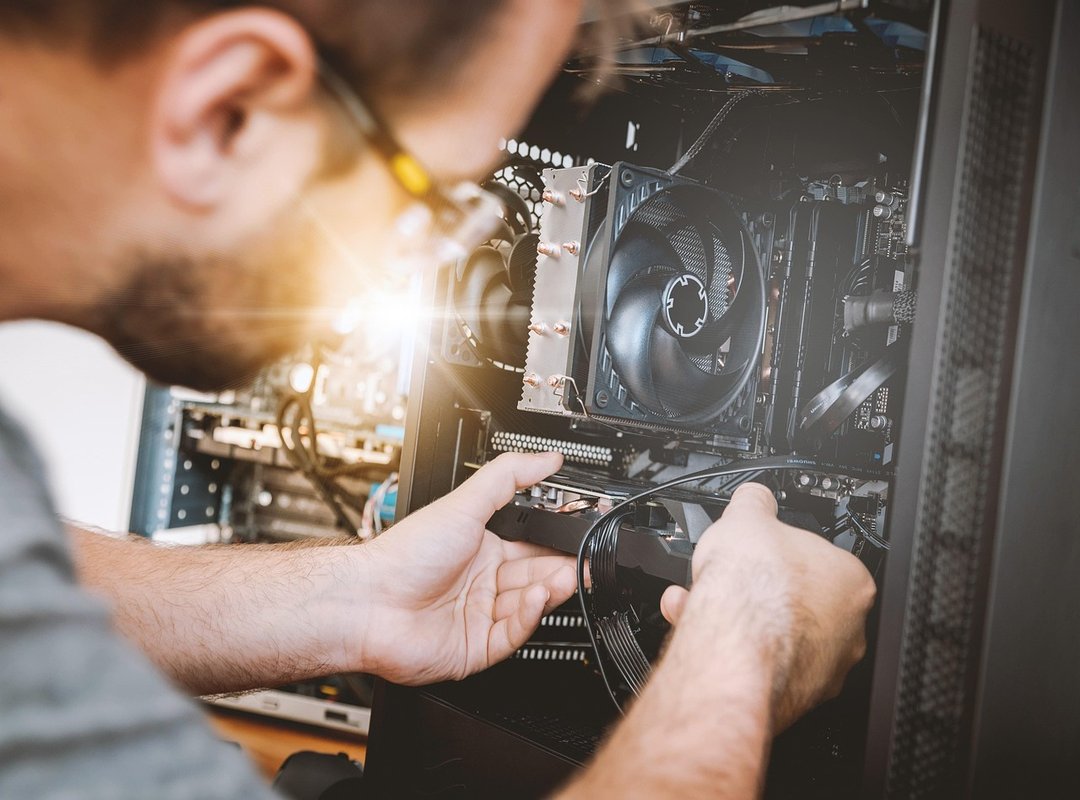
Think of RAM as your server’s workbench. If it’s too small, your server keeps running back and forth to a slow hard drive. Not ideal, right?
Check your RAM usage (there’s) usually a handy tool in your OS for that. And if it’s maxing out, time to add more. It’s like upgrading a tiny desk to a sprawling workbench.
You wouldn’t do a massive jigsaw puzzle on a TV tray, so why should your server?
Next, let’s talk CPU. This is your server’s brain. More cores or a higher clock speed?
Yes, please. They help your server think and process requests faster. Especially if you’re running complex apps that need all the brainpower they can get.
With a beefed-up CPU, your server goes from slow and steady to fast and furious.
Storage upgrade? Absolutely. Ditch that clunky HDD for a slick SSD.
Imagine a record player slowly spinning through tracks. Now, think MP3. Instant access!
That’s the speed difference. Your server will thank you with faster data retrieval. Not convinced yet?
Well, don’t forget about network connection. The fastest server flounders with a slow connection. Make sure your bandwidth meets your server’s demands.
Oh, and pro tip: you can’t ignore speed up PC important optimization techniques if you’re serious about server optimization practices. Trust me, it’s worth a look.
Upgrading hardware isn’t just a choice; it’s a must. Your server needs the right tools to level up and keep up. So, why wait?
Get your hands dirty and give your server the boost it deserves.
Keeping It Fast: Why Monitoring Matters
You can’t just fix your server once and call it a day. Think of it like a health check-up for your body (you wouldn’t skip those, right?). Performance enhancement is ongoing.
It’s about staying on top of things.
Now, let’s talk about tools. Ever heard of top or htop on Linux? They’re like a dashboard for your server’s health.
Services like New Relic or Datadog can also help. These tools monitor key metrics: CPU Load, Memory Usage, Disk I/O. These aren’t just geeky terms.
They’re the lifeblood of server optimization practices. Keep an eye on them to catch issues before they blow up.
Here’s a pro tip: set up alerts. You want to know when something’s off before it’s too late. Think of those alerts as your early warning system.
Avoiding a major slowdown is all about being proactive. Your server deserves that kind of care, don’t you think?
Speed Up Your Server Today
You now hold the key to supercharging your server. With a blend of server optimization practices, software tweaks, and hardware upgrades, you can finally ditch that sluggish performance. A slow server is just a problem waiting for your action.
You know the steps: software, database, hardware, monitoring. It’s all there.
Now, here’s the move. Pick a technique from the ‘Easy Software Tweaks’ section. Do it today.
Start small, but start now. Watch how quickly you see results. Your server won’t fix itself.
Take control. Transform your server speed today. Why not start that change right now?